 Nevica
How to make it snow on your Mac desktop
Try it free for 30 minutes, then $4.99 once. No subscription.
Nevica makes it snow on your Mac. The flakes fall over your wallpaper, settle on top of your windows and along the Dock, and slide off when you drag a window. Your clicks still go through.
Set it up in a minute
Download Nevica, open it and pick “Snow” in the menu bar. That's it. You get 30 minutes free with everything on, and we never ask for a card or an email.
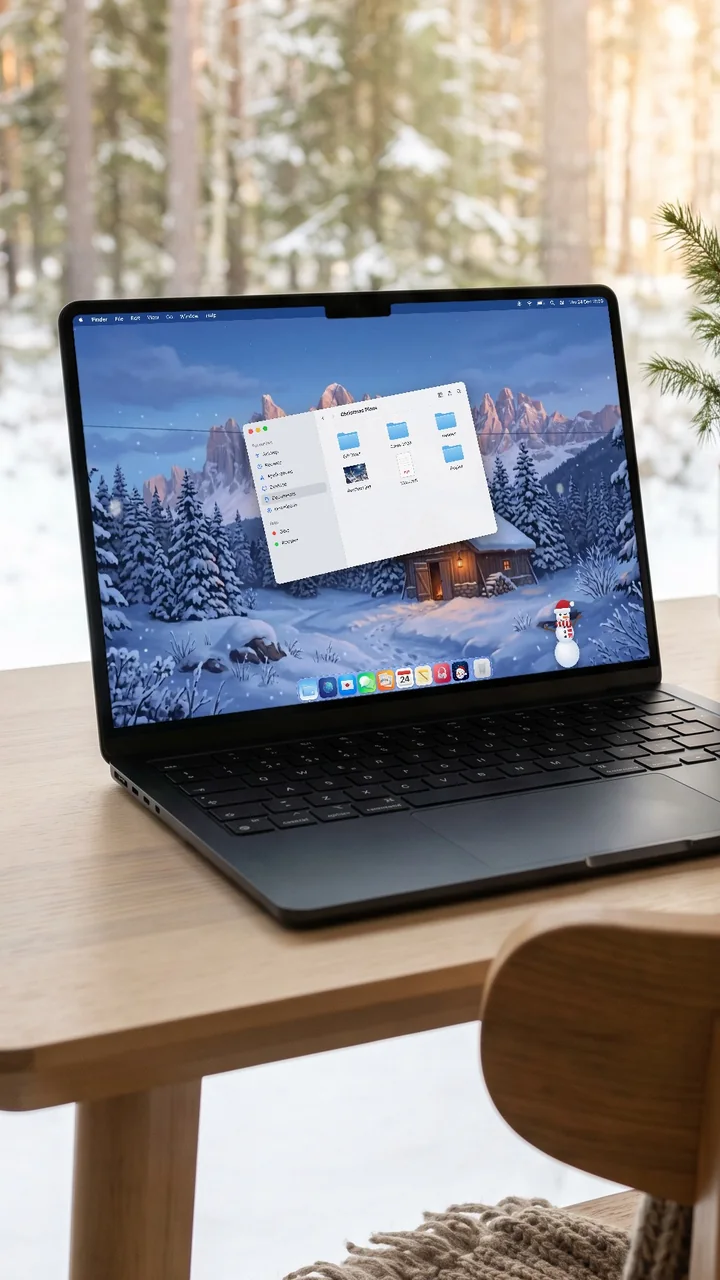
Snow that behaves like snow
It piles up slowly where it lands, melts away over time and falls off when you shake a window. Gather it into a snowman with your pointer, then give it a hat and a scarf.
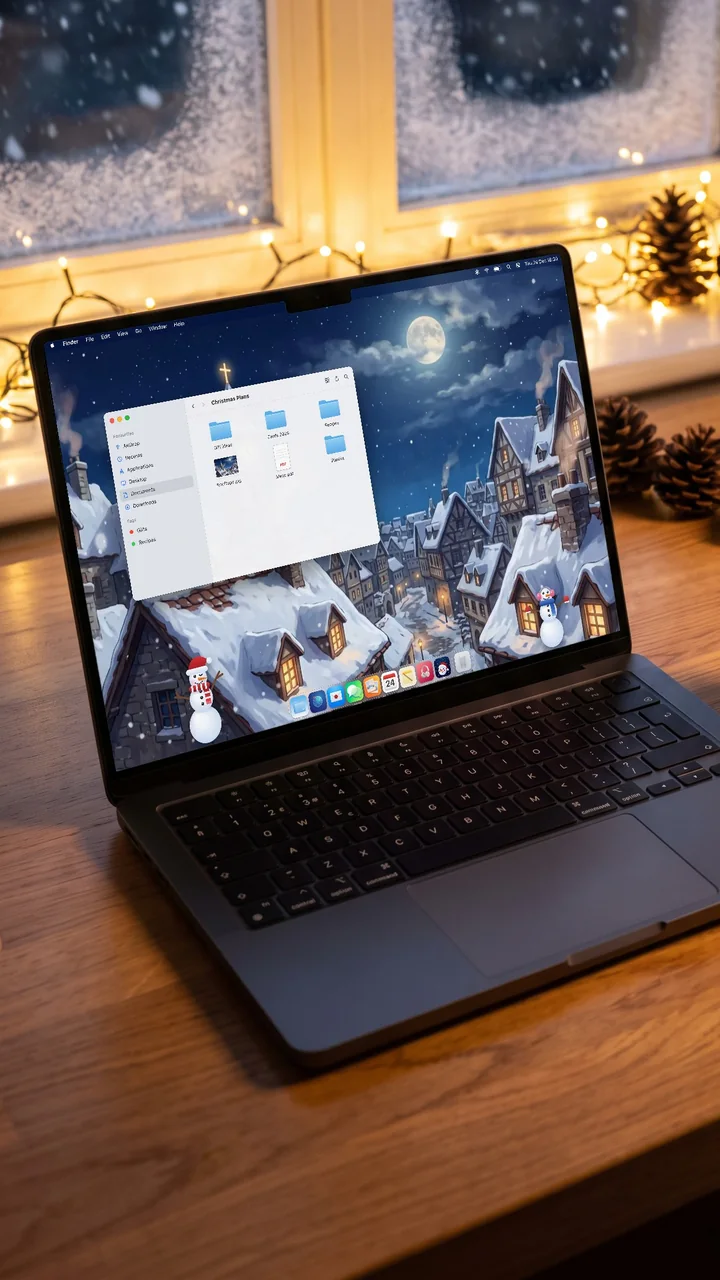
Light on your Mac
Nevica runs on the graphics chip, slows down when nothing moves, eases off in Low Power Mode and stops while your screen sleeps. It hides when an app is full screen.
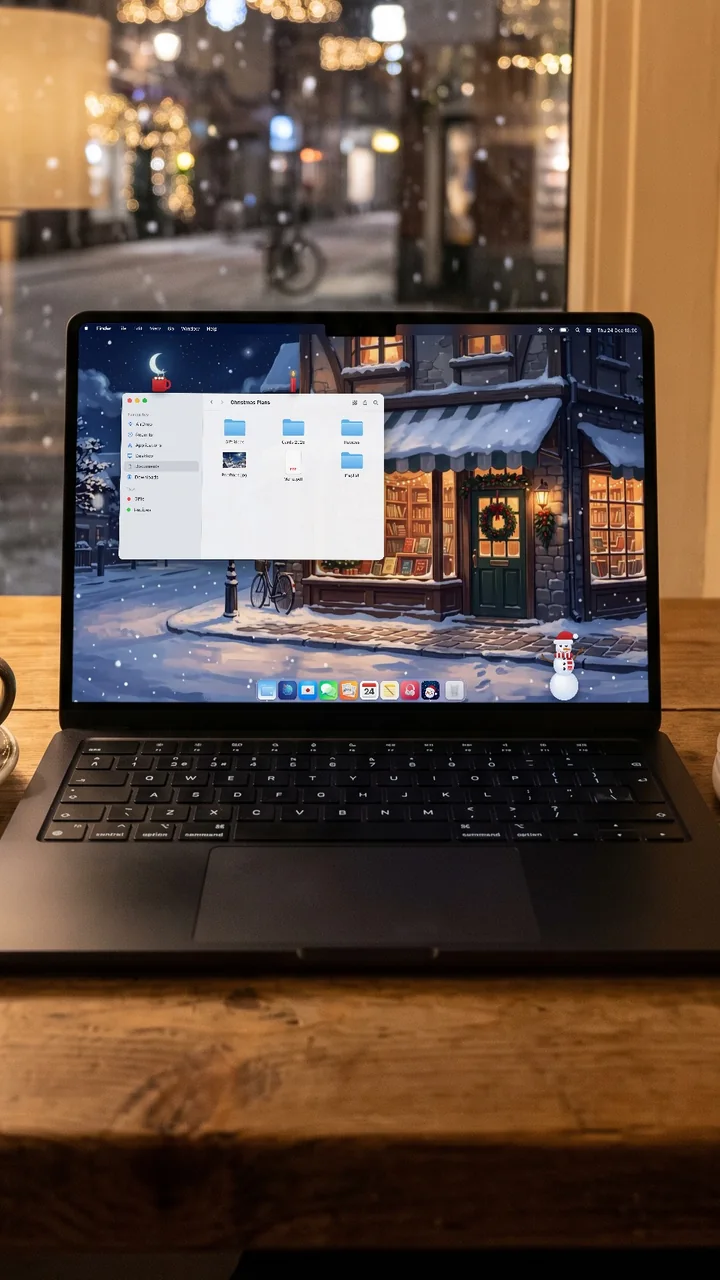
How to start
- Download Nevica for macOS 14 or later (Apple silicon or Intel).
- Open it: a snowflake appears in your menu bar.
- Choose the weather and a wallpaper. Snow starts falling on your desktop.