 Nevica
Let it snow
on your Mac.
Snow piles up on your windows and your Dock. Build snowmen, dress a tree as tall as your screen, and catch the Krampus before he steals your gifts. With cosy music to work to.
No account, no subscription. Pay once, keep it forever.
Drag the window and fling it: the snow slides off.
What it looks like.
Snow, snowmen and visitors.
A tree as tall as your screen.
Dressed by you, one ornament at a time.
Plant the big tree, pull its corner to make it any size, then drag baubles, lights, candy canes and a star onto the branches. Everything stays where you put it, behind your windows, even after a restart.
- 16 kinds of decorations: lights you stretch across the screen, wreaths, stockings, candles, a snow globe…
- No time? “Dress it up for me” does it in one click.
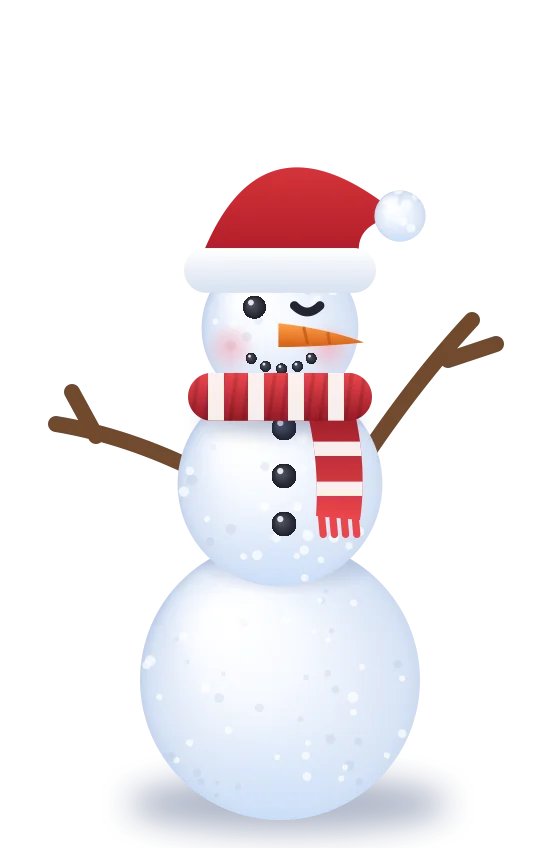
- Build snowmen and dress them: hats, scarves, faces.
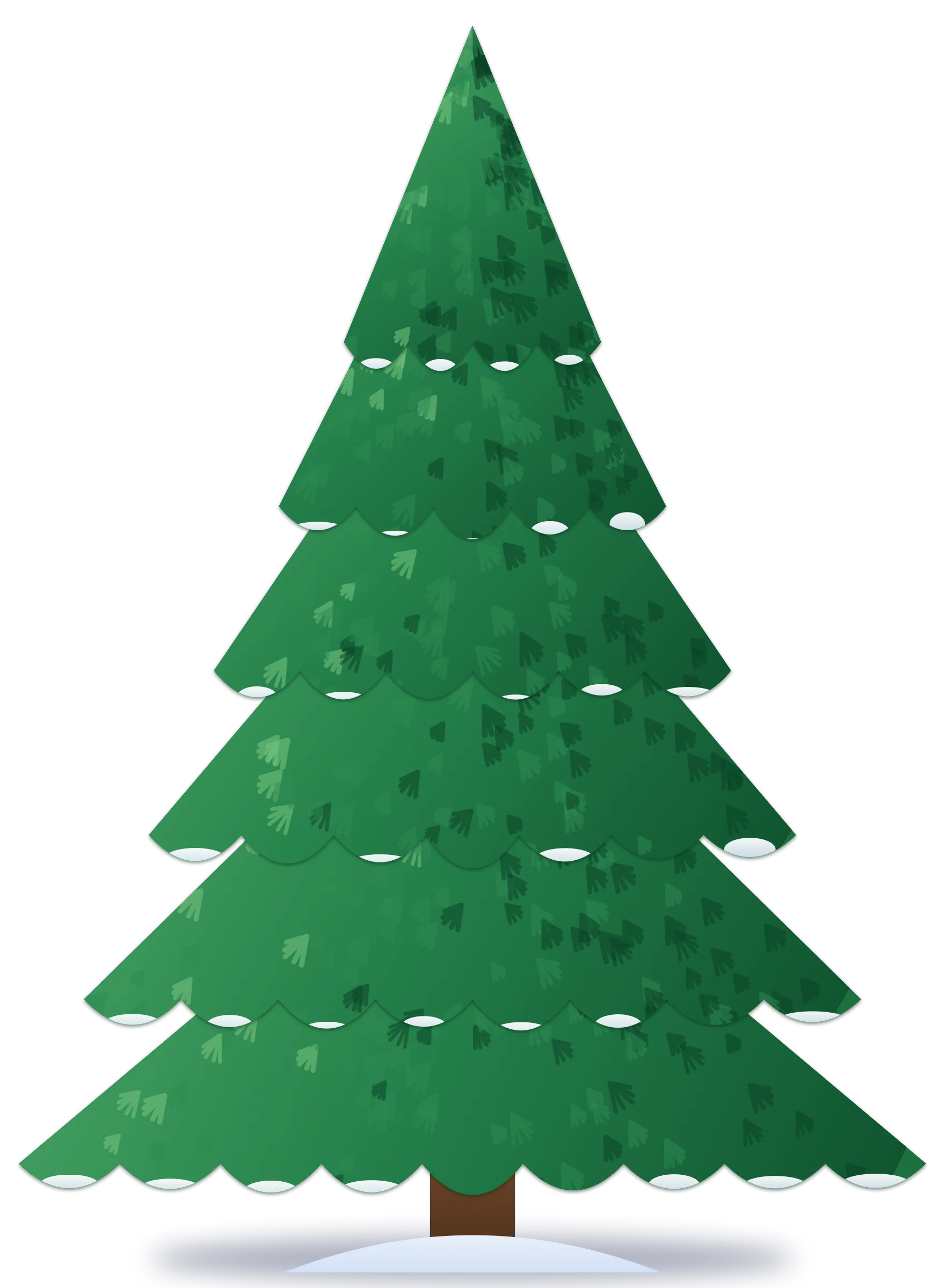
Try it: click an ornament to hang it on the tree.
Someone always drops by.
Some are nicer than others.
Santa flies along your Dock and leaves gifts to open. The snowplough clears the drifts. The Yeti comes for snowmen left alone too long, and the Krampus sneaks in to steal hats, gifts and little trees. Click him before he gets away.
- A little train pulls in with a snowman, a tree or a note you wrote.
- Start a snowball fight between your snowmen, or ⌥-click anywhere to throw one.
- Rather keep it calm? Turn any visitor off.
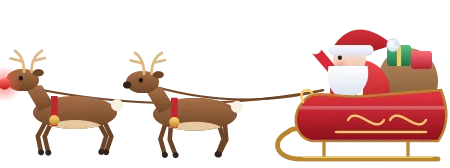 SantaFlies by, drops gifts
 The YetiHunts lonely snowmen
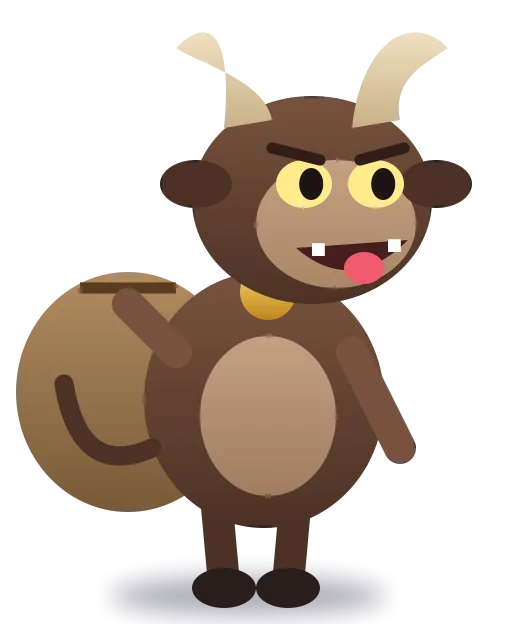 The KrampusSteals. Catch him!
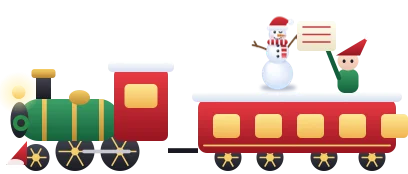 The trainBrings a note or a gift
 SnowploughClears the drifts
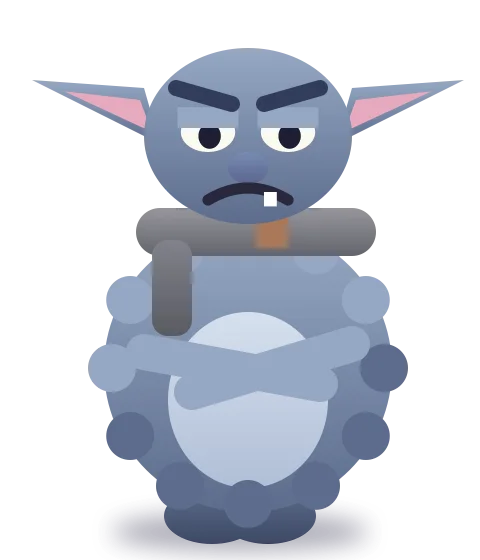 The GrumpkinSwaps gifts for coal
Music to work to.
Written for Nevica, nowhere else.
Five stations of original instrumental music: warm piano by the fire, steady focus music, a music box, a snowy jazz café and a near-silent night. Add a crackling fireplace, wind or rain, made live on your Mac.
Six kinds of weather.
Change it whenever you like.
Plus heavy snow, wind from either side, lightning, and weather that matches the season or changes on its own.
Twenty painted wallpapers.
Set in one click, on every screen.
The Christmas ones come by day and by night, and switch on their own at sunset.
Your snow, your colours.
In your language.
Six colours of snow
Classic white, glacier blue, golden hour, candy pink, aurora and moonlight. Pick a menu bar icon to match.
Speaks 12 languages
Nevica follows your Mac's language, or pick one yourself.
Snowing in a minute.
Nothing to set up.
Download and open it
It lives in your menu bar. A short welcome lets you pick your language, your snow and a wallpaper.
Try everything for 3 days
Every feature is on. No account, no card, nothing to cancel.
Keep it for $4.99
Pay once. Your licence key appears right after you pay: paste it in the app and it's yours for good.
One price.
Less than a hot chocolate.
- Every feature, every wallpaper, all the music
- Use it on up to 3 of your Macs
- Every future update, free
- Try it free for 3 days before you pay
Not sure yet? Try it free for 3 days
macOS 14 Sonoma or later. Secure checkout by Stripe, with cards, Apple Pay and Google Pay.
Good to know.
Short answers.
What do I get for $4.99?
Everything: six kinds of weather, snowmen, the big tree and 16 decorations, all the visitors, twenty wallpapers, five music stations and the ambient sounds. Every future update is included. You pay once; there's no subscription.
Is the free trial really free?
Yes. Download it and everything works for 3 days. We never ask for a card or an email. When the trial ends, Nevica pauses until you add a key.
Will it slow my Mac down?
No. Nevica draws on the graphics chip, slows down when nothing is moving, eases off in Low Power Mode, and stops completely while your screen sleeps or is locked. You can also pause it on battery.
Do my clicks go through the snow?
Always. The snow sits over your screen, but every click reaches whatever is underneath. Only snowmen, gifts and visitors catch the pointer, so you can pick them up.
Does the snow get in the way of my work?
It hides while an app is full screen, and you can let it fall only behind your windows, keep the windows clear, or turn the weather off from the menu bar in one click.
Can I use it on more than one Mac?
Yes, one key works on up to 3 of your Macs. Got a new one? Paste the same key on the new Mac. To take Nevica off an old one, choose “Remove from This Mac”.
I lost my key.
Get it back on the Find my key page with the email you paid with and the last 4 digits of your card. Still stuck? Reply to the receipt Stripe emailed you.
Does Nevica collect my data?
No. There are no accounts, no analytics and no tracking. Nevica doesn’t go online at all: even your licence key is checked on your Mac. This website uses no cookies either.
Which Macs does it run on?
Any Mac with macOS 14 Sonoma or later. It works with several displays and puts the snow on the one where your Dock is.
Can I get a refund?
No. Because you can use every feature free for 3 days before paying, purchases are final. If Nevica doesn't work as described, we'll make it right; see the refund policy.
It's snowing.
Come inside.
Three days free, then $4.99 once. The coziest corner of your Mac this Christmas.